

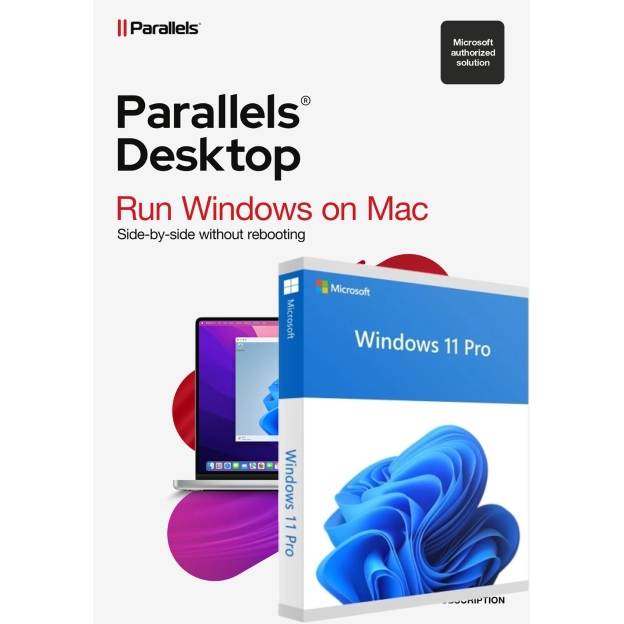
Parallels Desktop 27 for Mac | 1 Year | 1 Installation + Windows 11 Pro



-
Parallels Desktop: 1 year, 1 installation
-
Windows 11 Pro: one-off purchase, no expiry
-
Windows apps straight from your Mac Dock
-
Language selection: Multiple languages
 Activate renew alert >
 Description
Parallels Desktop 27 with Windows 11 Pro - Everything in One Purchase
Running Windows on your Mac normally means two separate purchases: Parallels Desktop and a Windows licence. With Parallels Desktop 27 and Windows 11 Pro together, you sort both in one go.
With Parallels Desktop 27 you open Windows apps straight from your Mac Dock, alongside macOS. No restarting needed. This purchase includes a full Windows 11 Pro licence, specifically suited for installation in a virtual environment. Parallels Desktop 27 is an annual licence, the Windows 11 Pro licence is a one-off purchase that stays valid with no expiry date.
Parallels Desktop 27 is fully compatible with macOS 27 Golden Gate. Everything keeps running smoothly, even after a Mac update. Thanks to the Trusted Platform Module (TPM) in Windows 11 Pro, you also work in one of the most secure Windows environments to date.
Does Parallels Desktop 27 require Apple Silicon?
Parallels Desktop 27 only works on Macs with an M1 chip or newer. Have an Intel Mac? Check out Parallels Desktop 26 with Windows 11 Pro, built for Intel Macs.
Working with demanding software like CAD programs or AI tools? Check out Parallels Desktop 27 Pro with Windows 11 Pro, built specifically for heavy-duty work.
Includes Parallels Toolbox with 40+ handy tools: take a screenshot, clean up your disk or download a video, all with one click.
What problems does Parallels Desktop 27 with Windows 11 Pro solve?
Want to run Windows on your Mac, but dread having to figure out a suitable, separate Windows licence? Parallels Desktop 27 with Windows 11 Pro takes that step out of your hands: both licences in one purchase.
Studying a course with one Windows-only subject, or working as a freelancer with software that's Windows-only? Then you install it straight away, without first having to sort a Windows licence yourself.
What does Parallels Desktop 27 with Windows 11 Pro include?
This purchase includes Parallels Desktop 27 Standard with a full Windows 11 Pro licence. You install Windows directly within Parallels Desktop, with no separate purchases or extra hassle. You choose the language and bit version (32-bit or 64-bit) yourself.
Note the difference in licence type: Parallels Desktop 27 is an annual licence with 1 year of access to the latest updates. Windows 11 Pro is a one-off purchase, with no yearly renewal.
Parallels Desktop 27 is fully compatible with macOS 27 Golden Gate. You open Windows apps straight from your Mac Dock, and dragging files between Windows and macOS works without hassle.
Windows 11 Pro itself brings a refreshed operating system: thanks to the Trusted Platform Module (TPM), you secure sensitive files with integrated cryptographic keys, working in one of the most secure Windows versions to date.
Does Parallels Desktop 27 require Apple Silicon?
Yes, Parallels Desktop 27 only works on Macs with Apple Silicon (M1 or newer). Have an Intel Mac? Check out Parallels Desktop 26 with Windows 11 Pro, built for Intel Macs.
Parallels Desktop 27 Standard or Parallels Desktop 27 Pro: which fits you?
This purchase includes Parallels Desktop 27 Standard: ideal if you mainly use Windows for office work, study or one specific program.
Working daily with demanding software like CAD programs, engineering tools or AI applications? Check out Parallels Desktop 27 Pro with Windows 11 Pro, with a faster graphics driver and higher hardware limits.
Why buy Parallels Desktop 27 with Windows 11 Pro from 2GO Software?
2GO Software is a Microsoft Solutions Partner and delivers 100% legitimate software, sourced directly from the manufacturer. You receive both licences straight in your account, with a clear installation guide.
Can't figure it out yourself? Our specialists are ready to help you 7 days a week, from installation to activation.
FAQ
Loading...
Reviews (27)
Loading...
Product information
Loading...
- Money back guarantee
- Free installation service
- 100% legitimate licence keys
Do you want to know more or are you not quite sure what to pick? Call our software specialists for the best advice.
Call me back
- Description
- Frequently Asked Questions
- Product comparison
- Alternative products
- Reviews (27)
- Product information
Summarized
-
Parallels Desktop: 1 year, 1 installation
-
Windows 11 Pro: one-off purchase, no expiry
-
Windows apps straight from your Mac Dock
-
Language selection: Multiple languages
Buy Parallels at 2GO Software
-
Tailor-made installation guides for installing Windows yourself
-
Multilingual helpdesk: 7 days a week
-
Never (!) Phone activation
-
No small print, but legitimate licences
-
Windows Licence Certificates of all software
